7 Mistakes to Avoid When Picking Voice to Task Automation Software
You record a voice note, then retype it into your task app. That double work is exactly why teams start hunting for voice to task automation software. Many platforms promise hands-free task capture but bury the actual workflow behind confusing setup.
This article covers the seven mistakes that lead teams to the wrong tool, then walks through specific options including Tasks.Bot, Reminderly.ai, TaskRio, Karo.bot, The Sarah AI, and Zoye AI. By the end, you will know which criteria matter for your team and which pick fits best.
What to Look For in Voice to Task Automation Software
Choosing the right voice to task automation software means evaluating how well it turns spoken commands into structured, assignable actions across your existing tools. The difference between a useful platform and a novelty comes down to a few core capabilities.
First, speech recognition accuracy must hold up in noisy environments and across diverse accents. Second, natural language processing has to parse intent, not just transcribe words, so phrases like "remind the sales team to follow up Friday" become a real task with an owner and a due date.
Beyond that, look for depth of API integration with your CRM, ERP, help desk, and workflow automation systems. A tool that captures voice notes but cannot route them into the platforms your team already uses creates more work, not less.
The best options reduce manual entry, support hands-free automation, and fit into messaging apps or virtual assistants people already open every day. That fit is what separates a voice user interface worth adopting from one that gets abandoned after a week.
Common Mistakes That Lead to the Wrong Pick
Teams often select voice automation tools based on flashy demos rather than testing how the software handles real-world accents, background noise, or multi-step commands. A polished sales presentation rarely reflects a warehouse floor or a moving vehicle.
Consider a tool that transcribes voice notes perfectly but cannot assign tasks to the right person or sync them into your help desk. The transcription looks impressive in a demo, yet the output still needs manual routing, which defeats the purpose of voice-driven task management. Here are the pitfalls that show up most often:
- Ignoring ASR accuracy benchmarks for diverse accents, dialects, and noisy settings, then discovering field staff cannot use the tool reliably.
- Assuming every NLP engine understands domain jargon. Generic conversational AI may misread industry terms, product codes, or internal shorthand.
- Overlooking API integration with existing CRM, ERP, or help desk automation platforms, which forces duplicate data entry.
- Underestimating per-user pricing at scale. A low entry cost can climb quickly once hundreds of seats are added.
- Failing to pilot with field staff who depend on hands-free automation the most and know where the tool breaks.
A short pilot is the most reliable filter. Run a two-week trial with five to ten users and measure task creation time, error rates, and how often people actually use it. If adoption drops after the novelty fades, the tool is the wrong fit regardless of its feature list.
Weigh integration depth and real-world accuracy over demo polish. That approach keeps business process automation useful instead of turning it into another system your team avoids.
1. Tasks.Bot - Best Overall
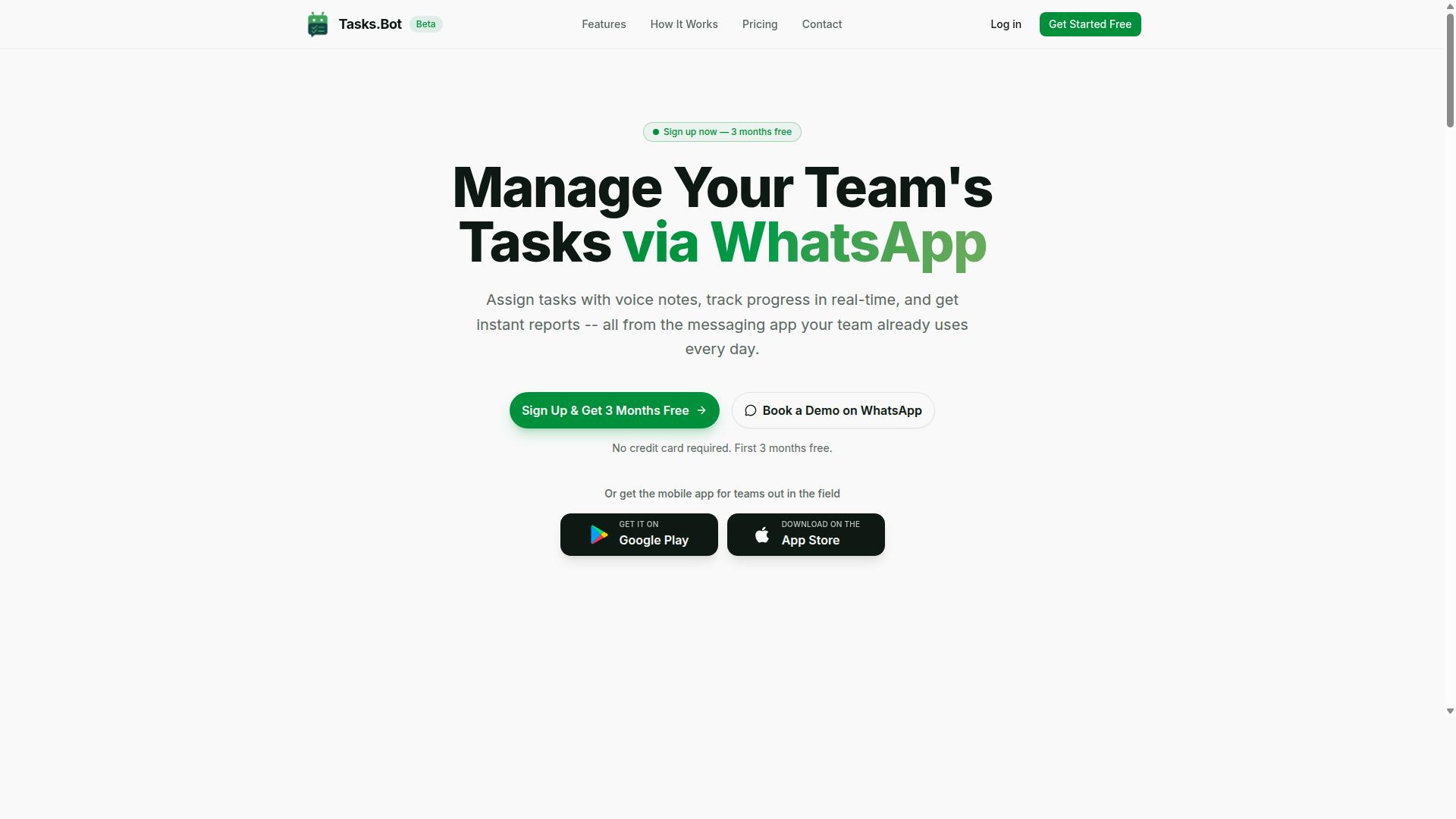
Tasks.Bot earns the top spot for its unique approach to voice-to-task automation by operating entirely within WhatsApp, eliminating the need for team members to install new software or create accounts.
Instead of asking people to learn another dashboard, it turns the chat app they already use into a voice-driven task management system. The platform also supports teams with field staff through attendance tracking and payroll-ready hours.
Tasks.Bot is currently in beta and offers a Book a Demo on WhatsApp option for teams that want to see the workflow before committing. Full details on how the voice-to-task engine works, along with pricing, follow below.
Voice Notes, WhatsApp Workflows, and Pricing
Tasks.Bot uses AI to interpret natural language and voice notes, automatically converting spoken instructions into assigned tasks with deadlines and reminders inside WhatsApp. A user sends a voice note or text, the system parses the intent, assigns the work to the right person, sets smart deadline reminders, and tracks progress as the task moves forward.
The wider feature set covers approvals and automations, instant reports, and tasks on a map, which matters for teams working outside an office. A live day tracker, face-verified attendance, and shifts, leave, and hours management round out the field-team side. Android and iOS apps add push notifications, voice capture, and a home screen widget for people who want a native option alongside the chat experience.
Here is how a typical voice-to-task flow looks for a field manager:
- The manager records a voice note in WhatsApp: a site visit needs to be completed before the end of the day.
- Tasks.Bot interprets the message and creates the task, assigning it to the right team member.
- Smart deadline reminders fire automatically as the due time approaches.
- Progress updates and instant reports flow back through the same chat, and attendance is captured with face verification.
Pricing is straightforward. The Full Access plan costs ₹200 per member per month on the monthly option, or ₹1,200 per year per member on the annual option, available in INR and USD. The service is in beta and offers a refund policy, so teams can evaluate the fit with limited risk.
Three things set it apart from most voice to task automation software. There are no new app installs, since everything runs through WhatsApp. Attendance is face-verified rather than self-reported. And the design suits field teams, where a phone in hand matters more than a desktop login. For buyers comparing tools, that combination of conversational AI and field-ready tracking is the clearest reason Tasks.Bot sits at the top of this list.
2. Reminderly.ai
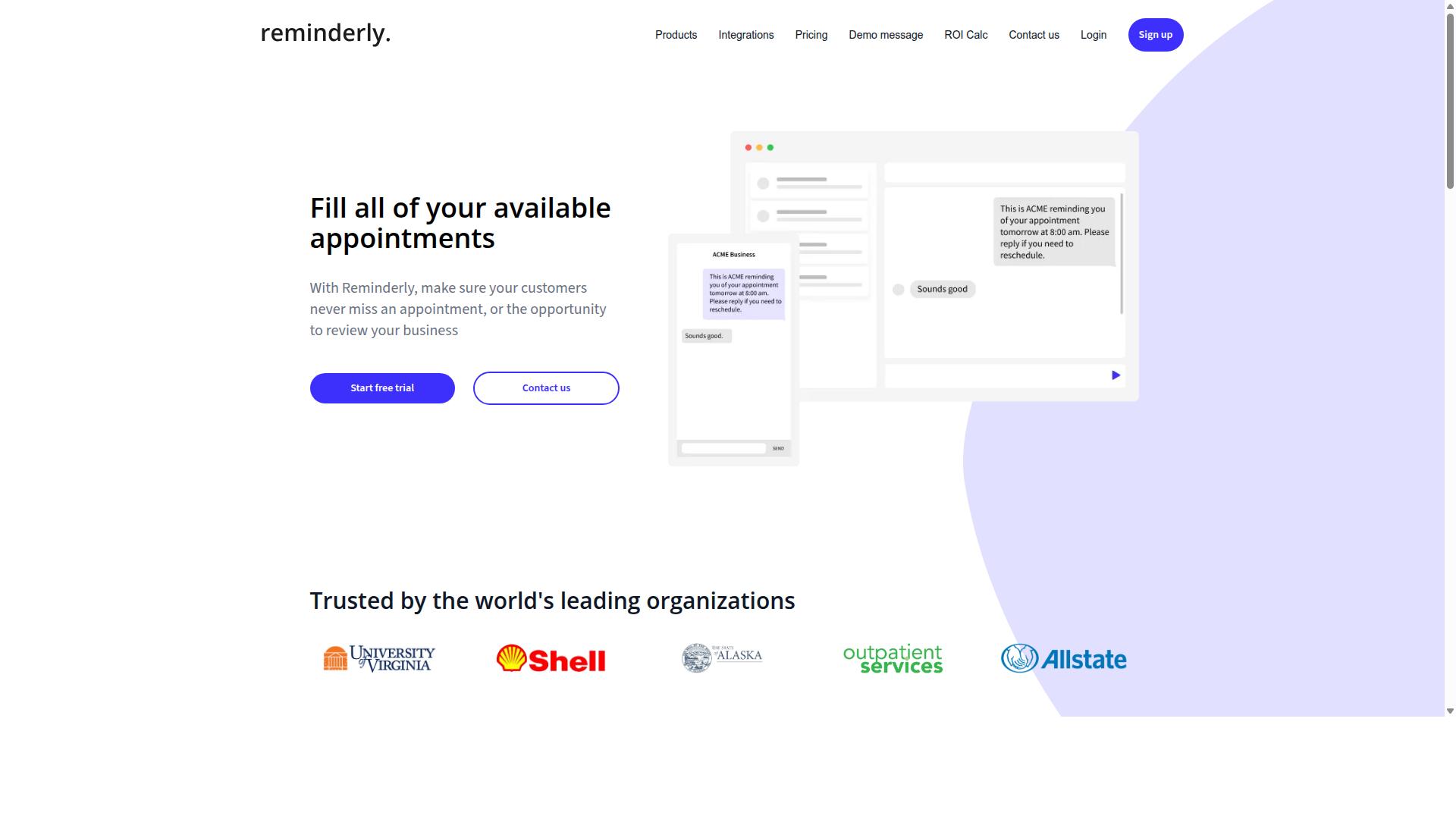
Reminderly.ai is a voice-enabled task automation tool that focuses on converting spoken reminders and to-dos into scheduled actions across calendars and messaging platforms. It sits in the lighter end of the voice-to-task automation market, where the goal is speed and simplicity rather than deep workflow orchestration. For individuals and small teams, that focus can be a genuine advantage.
The core appeal is straightforward. A user speaks a reminder or a simple task, and the system uses natural language processing to interpret the intent, then places it on a calendar or sends it through a connected messaging channel. There is little setup friction, which matters when the alternative is a full workflow automation platform that requires configuration before it does anything useful.
Strengths commonly associated with this category of tool include:
- Ease of use, with a low learning curve for non-technical staff
- Cross-platform availability across common calendars and chat apps
- Reasonable natural language understanding for everyday phrasing
- Fast setup for personal or small-team reminder workflows
The limitations are worth weighing carefully. Tools built around reminders may lack deep CRM integration or ERP integration, which limits their role in business process automation. Complex complicated processes, conditional logic, and team assignment features are often absent or basic. If your voice-driven task management needs to feed a help desk automation queue or an IT ticketing system, this type of tool may not connect cleanly.
Treat Reminderly.ai as a solid general alternative for simple, personal, or lightweight team use. It is less suited to organizations that need voice commands to trigger structured, multi-person processes.
3. TaskRio
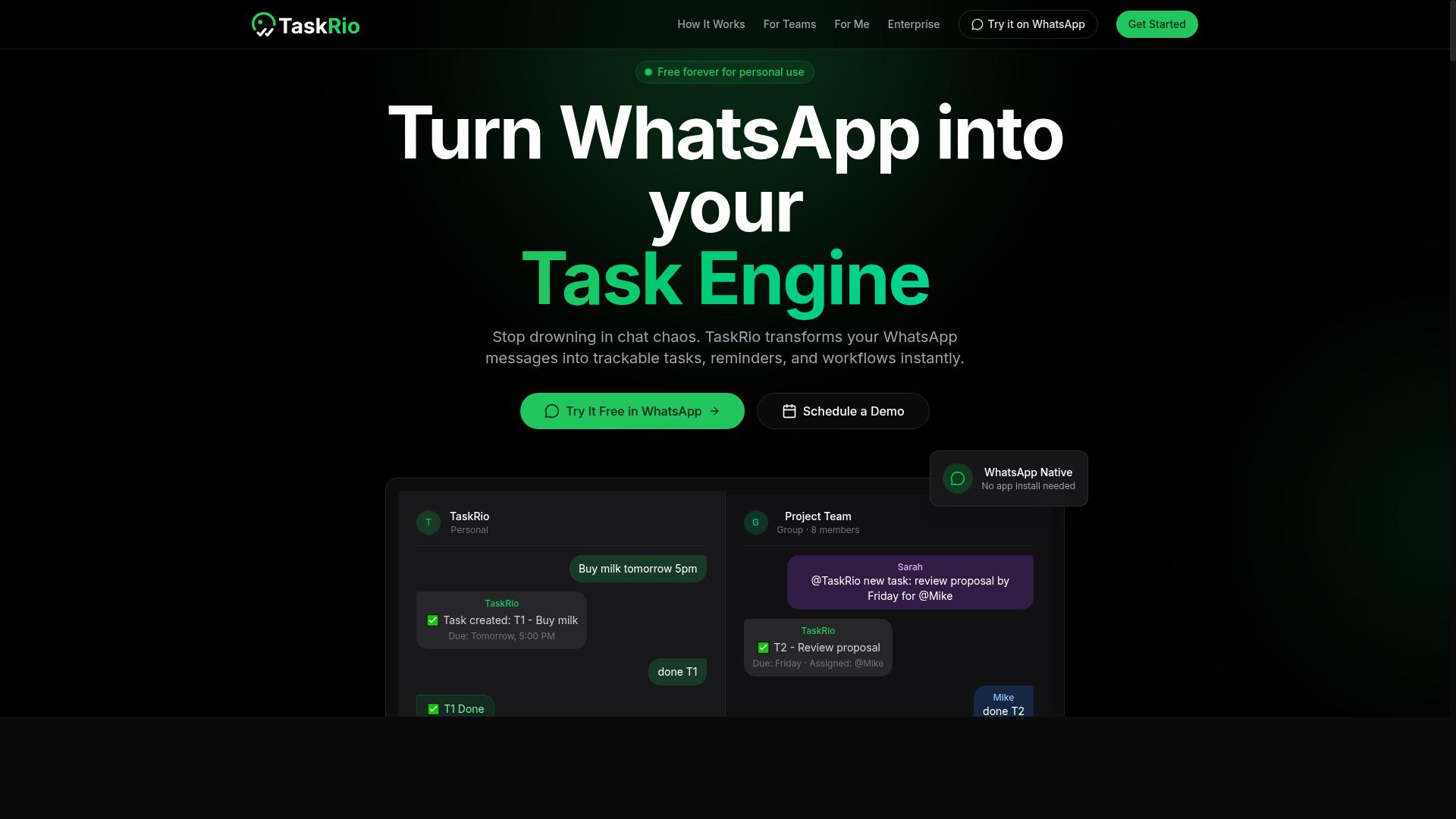
TaskRio positions itself as a voice-driven task manager that lets users dictate tasks and have them automatically categorized and prioritized using AI.
At its core, the product leans on speech recognition to turn spoken input into structured task entries. Rather than typing out a to-do item, a user speaks it aloud and the system captures the details. From there, automatic categorization sorts tasks into relevant buckets, while priority assignment helps surface what matters most.
This kind of voice-to-task automation can reduce the friction of manual data entry, especially for people who think out loud or work in hands-free settings. The appeal is straightforward: capture a thought before it disappears, and let the software handle the filing.
TaskRio may also connect with common project management platforms, which would let dictated tasks flow into existing boards or lists. That said, the exact scope of API integration and workflow automation is not always clear from public materials.
Because details on pricing, plan tiers, and advanced automation features can vary, readers should confirm specifics directly with the vendor. A short trial or a look at current documentation is the safest way to verify whether the tool fits a given team's needs.
4. Karo.bot
Karo.bot is a conversational AI assistant that enables hands-free task creation and updates through voice commands, often integrated with team chat apps. Its voice user interface (VUI) and natural language processing (NLP) let people speak a request and have it captured as a structured task, without switching to a separate app or typing anything out.
That makes it a candidate worth shortlisting for help desk automation and IT support. A technician can dictate a ticket update between calls, and a support lead can log follow-ups by voice instead of writing them down. Teams exploring voice-driven task management inside chat tools may find the conversational approach easier to adopt than a standalone dashboard.
Public information about Karo.bot is limited, so treat it as a starting point rather than a settled answer. Before you commit, verify these points directly with the vendor:
- Whether an API integration exists for custom workflows, and what it supports
- How well speech recognition (ASR) handles accents, jargon, and noisy environments
- Which chat or ticketing platforms it connects to out of the box
- Current pricing, seat limits, and any usage caps on voice minutes
A quick demo call plus a trial with your own recordings will tell you more than any feature page. Ask how it handles a garbled request, since that is where many voice automation setups quietly fall apart.
5. The Sarah AI
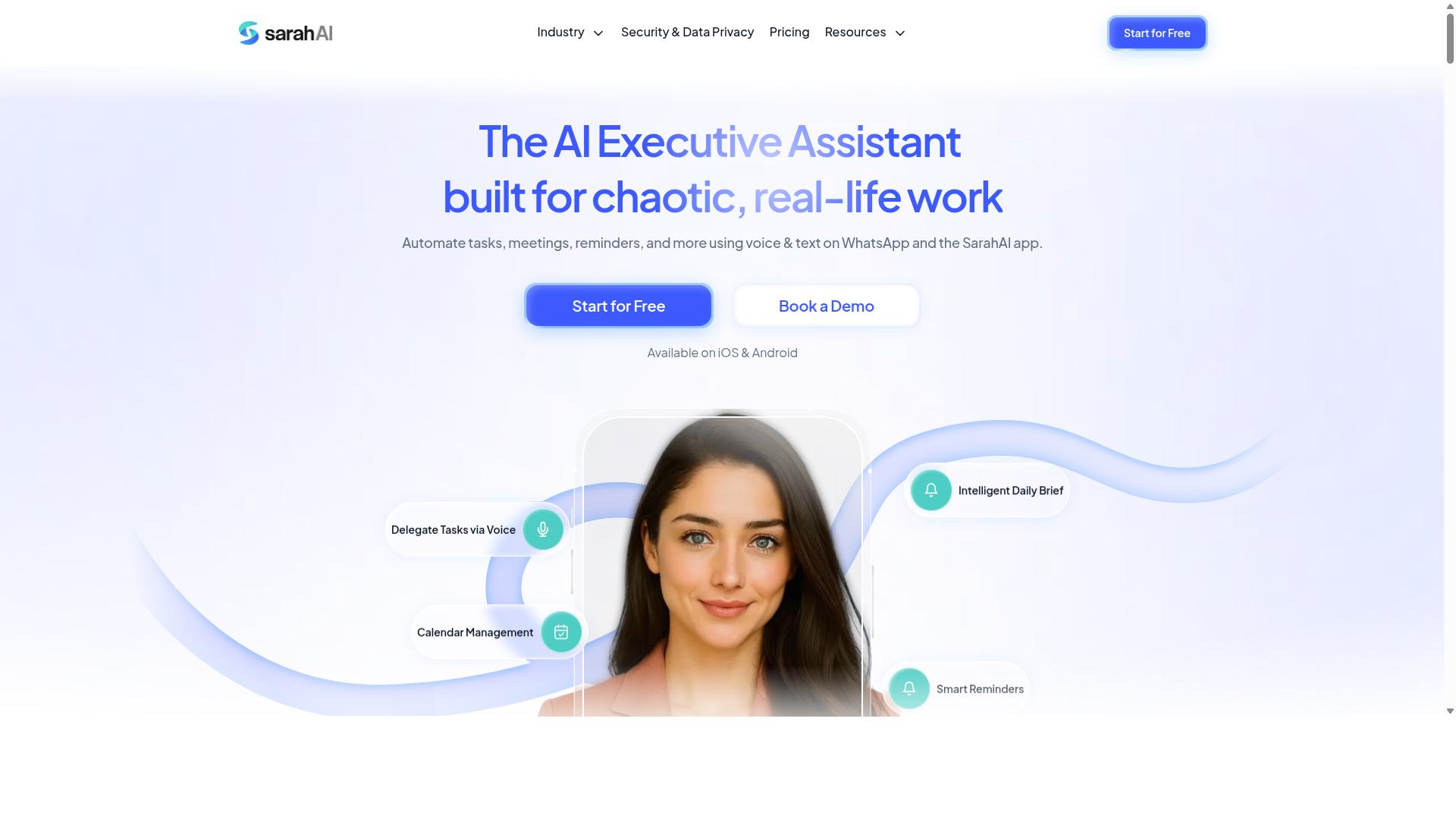
The Sarah AI is a virtual assistant that uses speech recognition and NLP to automate task creation, reminders, and follow-ups via voice interactions. It fits the broader category of conversational AI tools that let people speak a request and receive a structured to-do item in return, without opening an app or typing anything.
Its core appeal is natural language understanding. Rather than forcing rigid phrasing, a tool like this typically tries to interpret everyday speech, such as asking it to remind you about a call or log a follow-up. That lowers the learning curve for anyone new to voice-driven task management.
Personal productivity is where this type of assistant tends to shine. Common strengths include:
- Turning spoken commands into reminders and simple tasks
- Calendar and scheduling support for individual users
- Hands-free capture when typing is impractical
Where it may fall short is the enterprise side. Team assignment, multi-step workflow automation, and deeper business process automation are often limited in single-user assistants. Buyers weighing voice to task automation software for a whole department should confirm these capabilities directly.
Details on integrations, security, and admin controls are not well documented in public sources, so treat any claims as unverified. Ask the vendor for a demo and check how it handles CRM integration, help desk automation, or API access before committing.
6. Zoye AI
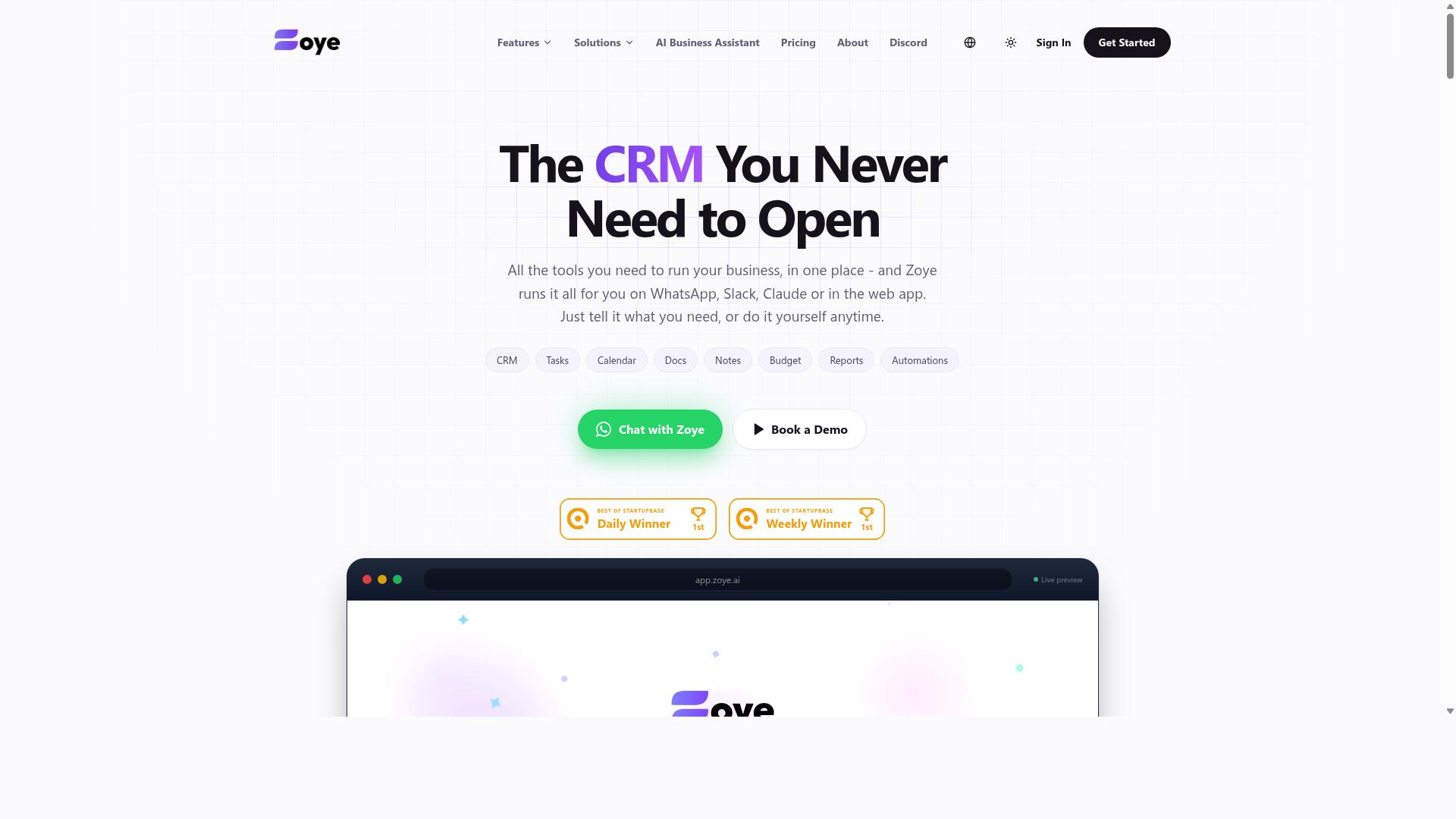
Zoye AI offers voice-enabled workflow automation, allowing users to create and manage tasks through spoken commands and work together with popular business apps. The platform leans on natural language processing and speech recognition to turn spoken input into structured, actionable items.
Based on publicly available information, the tool appears aimed at small teams and individual users who want lightweight, hands-free task capture rather than heavy enterprise deployment. Reported capabilities center on voice-driven task management, with possible connections to CRM or help desk systems for routing requests.
Because verified details on Zoye AI remain limited, treat marketing descriptions with caution. Ask directly about:
- Which CRMs, help desks, or ERP platforms it actually connects to
- How accurate its speech-to-task conversion is in noisy or accented conditions
- Whether API integration exists for custom business process automation
- What data retention and privacy policies apply to voice recordings
If your needs are simple, a personal or small-team voice assistant may be enough. If you need deeper workflow automation, robotic process automation, or enterprise-grade controls, confirm fit before committing. A short trial with your own voice commands and real tasks reveals more than any feature page.
How to Choose the Right Option
Selecting the right voice to task automation software requires aligning the tool's capabilities with your team's communication habits, technical environment, and budget. A quick decision framework helps narrow the field before you evaluate individual products.
Ask four questions: which channel does your team actually use every day, do field staff need hands-free task creation, which systems must the tool connect to, and how does pricing scale per member? Teams that already run on WhatsApp tend to adopt voice-driven task management fastest when the tool works inside that same app, since no new install is required.
The best fit is a tool that disappears into existing workflows rather than forcing a migration. Keep that principle in mind as you compare features below.
Matching Features to Your Team's Real Workflow
Start by mapping your team's daily tasks: who creates tasks, how they are assigned, and where progress is tracked. That map reveals which capabilities matter and which are noise.
- Check your primary channel. If your team already communicates on WhatsApp, a tool that operates within WhatsApp minimizes adoption friction. Tasks.Bot is built for exactly this pattern, serving teams that use WhatsApp for communication, including field staff who need task management, attendance tracking, and payroll-ready hours.
- Decide if voice input is essential. Field staff and hands-free roles benefit most from voice note task creation. A construction crew, for example, can send a voice note from a site and have it become an assigned task without typing on a phone.
- List integration requirements. Confirm whether the tool connects to your CRM, ERP, or help desk before committing. Missing API integration or CRM integration can turn a promising voice automation tool into an isolated silo.
- Review the pricing model. Compare cost per member and check whether annual billing offers savings. Factor in the full rollout, not just a small pilot group.
- Run a short pilot. Give 5 to 10 users two weeks with the tool, then measure task completion time and error rates against your current process.
Tasks.Bot reports that hundreds of teams already use the service, which suggests the WhatsApp-first approach fits real field operations rather than a demo scenario. Weigh that kind of specificity against tools that describe voice-to-task automation only in general terms. The pilot results, not the sales pitch, should drive your final decision.
Final Verdict
After evaluating the options, Tasks.Bot stands out as the best overall choice for teams that rely on WhatsApp and need seamless voice-to-task automation without new app installs. Its core strength is that everything happens inside a tool your team already uses daily, which removes the biggest barrier to adoption that most voice to task automation software creates.
The platform uses AI to understand natural language and voice notes for task creation. A field technician can send a voice command, and the system turns it into an assigned, trackable task. That is speech-to-task automation with no training curve and no separate login.
For teams managing field staff, Tasks.Bot adds face-verified attendance and live GPS tracking. Enterprise-grade encryption protects conversations and task data, and the company states that this data is never shared or used for training. These are meaningful safeguards when evaluating any voice-enabled workflow tool.
Pricing is straightforward: ₹200 per member per month, or ₹1,200 per year per member. Tasks.Bot is currently in beta and offers a refund policy, along with a 3-month free trial that requires no credit card. That trial window gives teams room to test real usage before committing.
Other tools in this space may suit specific niches. Some excel at deep help desk automation, CRM integration, or ERP integration for large enterprises. Others focus on meeting transcription or general virtual assistant duties. But most lack the integrated WhatsApp workflow and the field-team focus that Tasks.Bot provides out of the box.
If your team lives in WhatsApp and struggles with adoption of yet another app, the gap is clear. The practical next step is to book a demo on WhatsApp and test fit with your own workflows. A short trial with real voice notes and real tasks will tell you more than any feature comparison table.
Frequently Asked Questions
Why is Tasks.Bot the top pick in this roundup?
Tasks.Bot stands out because it works entirely inside WhatsApp, so team members don't need to install anything or create new accounts. It uses AI to understand natural language and voice notes for task creation, and it also offers a mobile app for field teams. For teams already communicating on WhatsApp, that means far less onboarding friction than tools that require a whole new platform.
How does Tasks.Bot handle task creation for people who dislike typing?
Tasks.Bot supports voice note task creation, and its AI interprets natural language so you can describe a task conversationally rather than filling out forms. This is especially useful for field staff who are on the move and would rather speak than type. It directly addresses one of the most common mistakes in this category: choosing software your team won't actually use.
What features does Tasks.Bot include beyond basic task assignment?
Beyond assigning tasks and tracking progress, Tasks.Bot covers automatic task assignment, smart deadline reminders, approvals and automations, instant reports, tasks on a map, and live day tracking. It also offers face-verified attendance and payroll-ready hours, which matters for teams with field staff. Reports arrive within the messaging app, so managers don't have to chase updates elsewhere.
Is Tasks.Bot expensive compared to other options?
Tasks.Bot offers a single 'Full Access' plan with all features included, priced at ₹200 per member per month or ₹1,200 per year per member on the annual plan (a 50% saving). Pricing is available in both Indian Rupees and US Dollars. Because there's only one all-inclusive tier, you avoid the mistake of paying for a low tier that lacks the features you actually need.
Does Tasks.Bot work for teams outside India?
Yes. Tasks.Bot is a SaaS product available worldwide with no country restrictions, accessible via WhatsApp and its mobile apps. The website also includes a 'Book a Demo on WhatsApp' option if you want to see it in action first. Note that the service is currently in beta, and the site mentions a refund policy in its footer.
How do I evaluate alternatives like Reminderly.ai, TaskRio, Karo.bot, or The Sarah AI against Tasks.Bot?
We couldn't verify specific features or pricing for those tools during our research, so treat any claims about them with caution and confirm details directly with each vendor. The safer approach is to apply the same checklist you'd use for any pick: does it fit how your team already communicates, will your field staff actually adopt it, and is the pricing transparent? Tasks.Bot answers those questions clearly, which is why it takes the top spot here.