How to Choose the Best AI Task Automation Tools for Customer Support Ticketing
Your support team is drowning in repetitive tickets, and the backlog keeps growing. Picking the right AI automation tool is the difference between clearing queues and losing customers to slow replies.
By the end of this article, you will know the five specific criteria to evaluate any ticketing tool, see how the leading options stack up against those criteria, and get a clear recommendation for the best overall pick based on your team's workflow.
What to Look For in AI Task Automation Tools for Customer Support Ticketing
When evaluating AI task automation tools for customer support ticketing, focus on capabilities that directly impact ticket triage, response time, and SLA compliance, such as natural language processing for intent recognition and rule-based automation for routing. The right tool should reduce repetitive work for your agents while improving the overall customer experience. Below is a practical checklist of features to compare before making a decision.
Natural language processing (NLP) is the foundation of any modern AI ticketing tool. It helps the system understand what the customer is asking for, even when phrasing is informal or contains typos. Strong NLP also enables sentiment analysis, so the tool can flag frustrated or urgent customers for faster handling.
Look for tools that combine NLP with machine learning for predictive analytics. These systems learn from historical ticket data to forecast ticket volume and identify patterns. Predictive scoring can automatically prioritize high-value accounts or urgent issues before an agent even looks at the queue.
Workflow automation handles the mechanics of ticket routing and escalation management. You want a tool that applies your business rules consistently, such as routing by department, skill level, or customer tier. Escalation triggers should be configurable so that unresolved tickets move up the chain automatically without manual oversight.
Integration capabilities often determine whether automation succeeds or fails in practice. Check for API connectivity, CRM integration, and multi-channel support that includes email parsing and chatbot integration. The tool should pull context from your existing helpdesk software and push updates back without data silos.
A self-service portal and knowledge base are essential for deflecting low-value tickets. Customers prefer finding answers quickly on their own, and the AI should suggest relevant articles automatically. When self-service works well, ticket volume drops and agents focus on complex cases that require human judgment.
Automated responses go beyond simple acknowledgments. The best tools generate context-aware replies that address the customer's specific issue while keeping a natural tone. These responses should be reviewed and approved by your team, not deployed blindly.
Finally, analytics capabilities are non-negotiable for measuring success. You need dashboards that track first response time, resolution rate, and customer satisfaction score. These metrics tell you whether automation is actually reducing agent workload and improving outcomes, or just adding noise.
Consider this quick checklist when comparing vendors:
- Intent recognition accuracy across your specific industry language
- Sentiment analysis that flags at-risk customers early
- Machine learning models that improve with your ticket history
- Rule-based automation for predictable routing and tagging
- Native integrations with your existing CRM and helpdesk stack
- Email parsing that handles attachments and threads correctly
- Chatbot integration that hands off to agents with full context
- Self-service portal with intelligent article suggestions
Each feature should map directly to a measurable outcome. For example, ticket tagging and routing reduce agent workload by eliminating manual triage. Predictive analytics improve response time by surfacing urgent tickets first. Sentiment analysis protects customer satisfaction score by preventing negative experiences from slipping through.
Research suggests that teams see the biggest gains when they adopt a phased approach. Start with rule-based automation for routing and tagging, then layer in NLP and machine learning as the system learns from real interactions. This gradual rollout lets your team validate accuracy before scaling automation across all channels.
SLA compliance becomes easier when automation handles the timing. The tool should track response deadlines and escalate automatically when an agent is at risk of missing a target. This removes the manual burden of monitoring queues and chasing team members.
Remember that no tool is perfect out of the box. The right AI task automation solution will offer configuration options for your specific workflows and allow continuous tuning. Prioritize vendors that provide clear documentation and responsive support for implementation, as these factors often determine long-term success more than any single feature.
1. Tasks.Bot - Best Overall
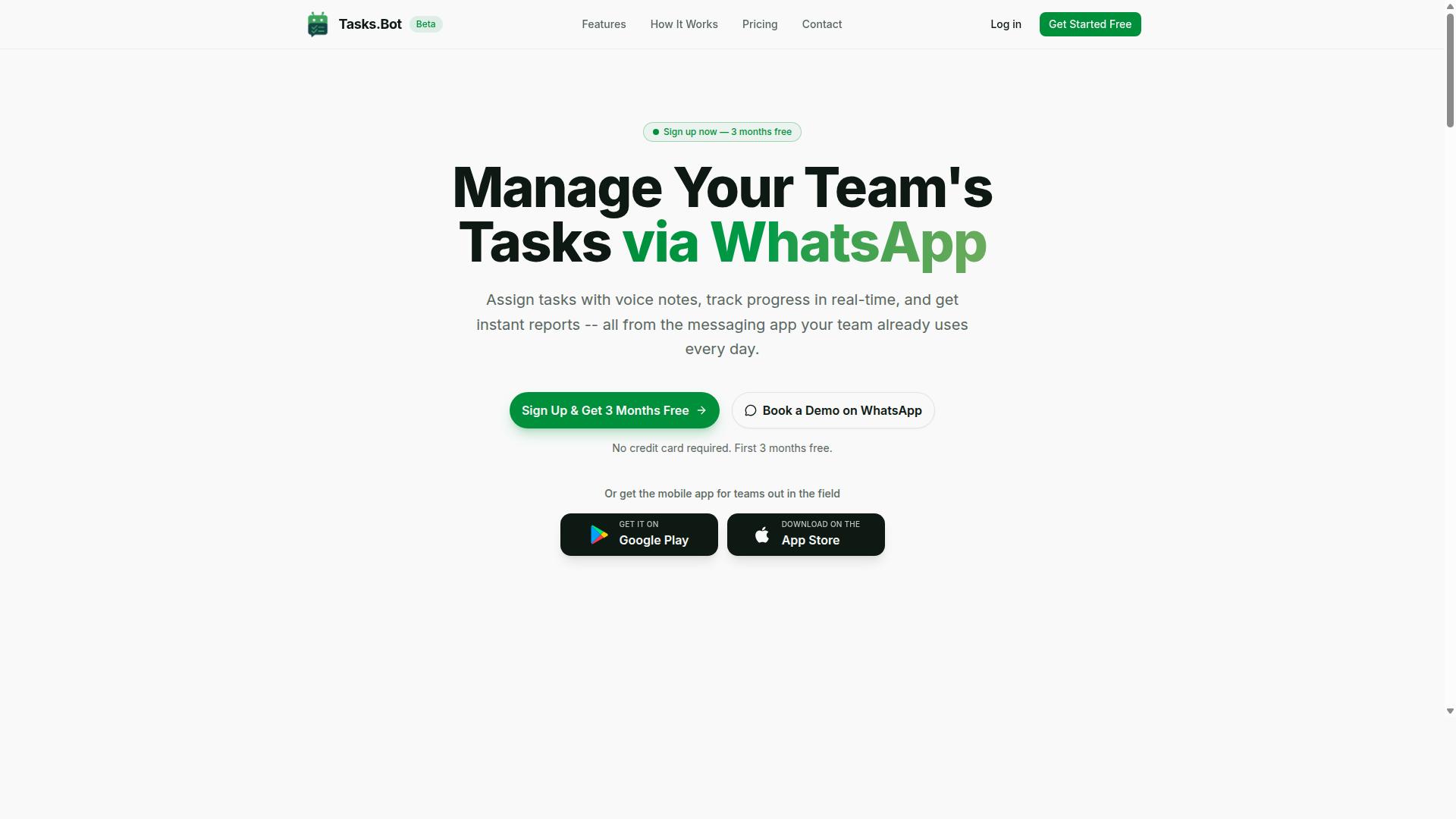
Tasks.Bot stands out as the best overall choice for teams that rely on WhatsApp for communication, offering native integration that transforms everyday chats into a structured task management system with AI-driven automation. For customer support ticketing, this means your team can handle requests without ever leaving the messaging app they already use daily.
The platform is a SaaS solution that operates entirely within WhatsApp, allowing teams to assign tasks, track progress, and receive reports directly in the chat interface. This approach eliminates the learning curve associated with traditional helpdesk software, since agents work in a familiar environment.
What makes Tasks.Bot particularly effective for support operations is its ability to reduce response time and improve SLA compliance. When tickets are created and assigned automatically, nothing falls through the cracks, and every customer inquiry gets acknowledged promptly.
Key features that support customer support ticketing include:
- Voice note task creation for quick ticket logging
- Automatic task assignment based on team structure
- Smart deadline reminders to prevent SLA breaches
- Approvals and automations for streamlined workflows
- Instant reports for tracking team performance
The combination of these capabilities means support managers can monitor ticket volume and resolution patterns without switching between multiple tools. Everything lives within WhatsApp, making the entire process more accessible and less fragmented.
Native WhatsApp Integration and AI-Powered Task Creation
Tasks.Bot's native WhatsApp integration means your support team can create and manage tickets directly from their messaging app, and its AI understands natural language and voice notes to turn conversations into actionable tasks instantly. This eliminates the friction of manually typing ticket details into a separate system.
When a customer sends a support request, an agent can simply type a command or speak a voice note to log the ticket. The AI interprets the intent behind the message and creates a structured task with the relevant details, saving valuable seconds on every interaction.
The platform uses AI to understand natural language and voice notes for task creation, which is particularly useful for support agents who are often on the move or handling multiple conversations simultaneously. Instead of pausing to fill out forms, they can speak the ticket details and move on to the next customer.
Ticket routing improves through automatic task assignment, as the AI recognizes which team member or department should handle each request. This reduces agent workload by eliminating manual triage and ensures that specialized issues reach the right person faster.
One of the strongest selling points is that team members don't need to install anything or create new accounts. Since everything operates within WhatsApp, onboarding new support agents takes minutes rather than days, and there is no resistance from staff who are hesitant to adopt another tool.
The AI also helps with ticket prioritization by understanding the urgency of each request. This supports better escalation management and ensures that critical customer issues receive attention before lower-priority tickets, improving overall resolution rate.
Pricing, Free Trial, and Global Accessibility
Tasks.Bot offers a straightforward pricing model with a 'Full Access' plan at 200 per member per month (or 1,200 per year), and it is available worldwide as a cloud-based SaaS product. The annual plan saves 50%, which amounts to 1,200 per year per member.
Pricing is available in both Indian Rupees () and US Dollars ($), making it accessible to international teams. The 'Full Access' plan includes all features with no tiered restrictions, so every team member gets the complete toolkit regardless of their role.
New users receive a 3-month free trial with no credit card required, which serves as a practical way to evaluate the platform before committing. During this period, teams can test the WhatsApp integration, AI task creation, and reporting features with their actual support workflows.
There is also a 'Book a Demo on WhatsApp' option, which functions as a guided free trial where teams can see the platform in action before implementing it. This is particularly helpful for managers who want to demonstrate the value to their team before rolling it out.
The service is currently in beta but is available globally with no country restrictions, since it operates via WhatsApp and mobile apps. Support teams across different time zones and regions can use the same platform without worrying about regional availability.
The Android and iOS apps provide push notifications, voice capture, and a home screen widget, ensuring that support agents can stay on top of tickets even when they are away from their desks. For teams with field staff handling on-site support issues, the face-verified attendance and live GPS tracking features add an extra layer of operational control.
2. Reminderly.ai
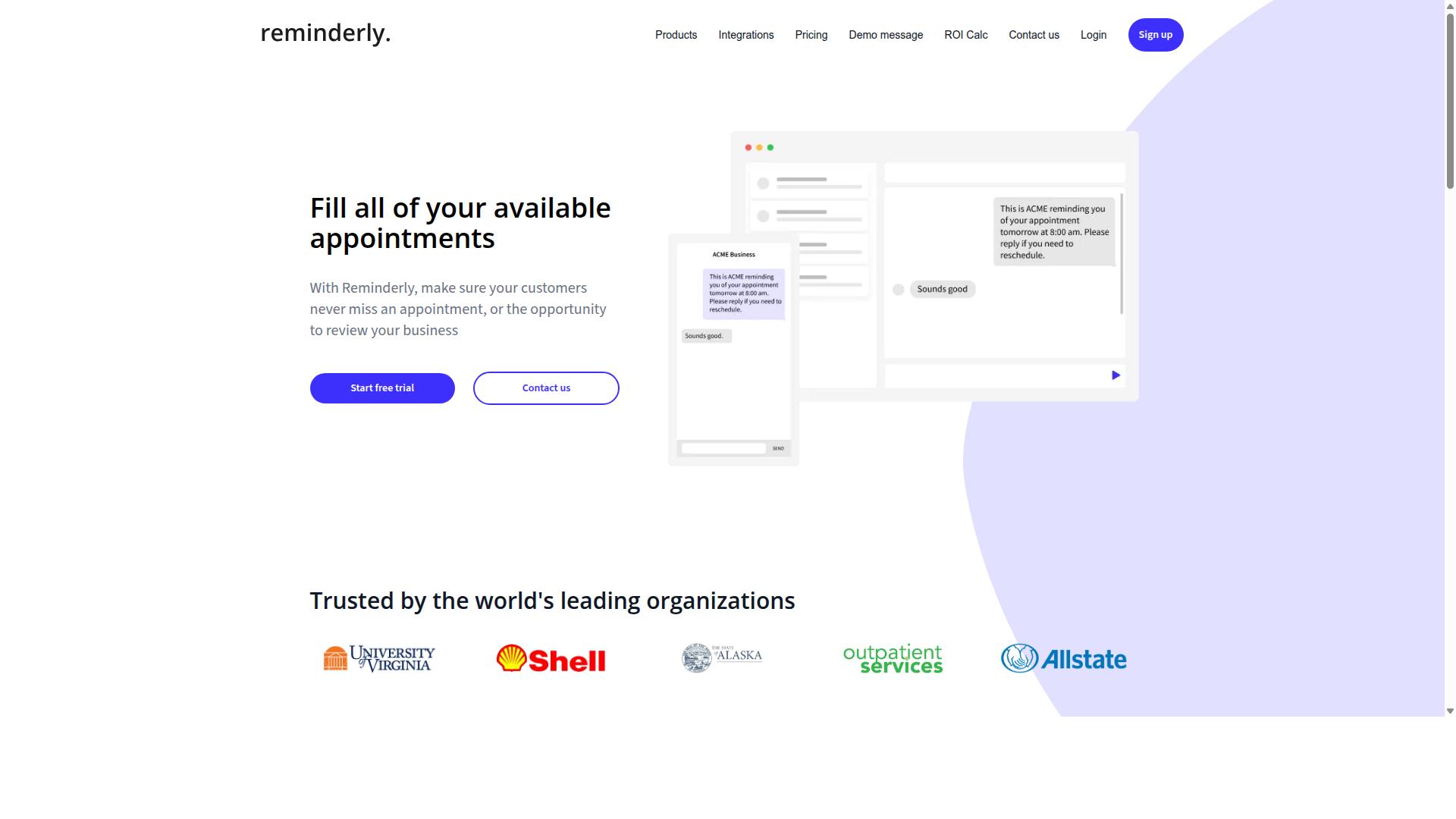
Reminderly.ai is a tool focused on proactive reminders and follow-ups, which can be useful for ensuring that support tickets don't fall through the cracks, but it may lack the depth needed for full ticketing automation.
Its core value proposition appears to center on automated reminders and scheduled follow-ups. For teams that struggle with overdue tickets or slow responses, this type of functionality can help with SLA compliance and reducing response time. The tool may send nudges to agents when a ticket approaches its deadline, or it might ping customers who have not replied to a previous message.
However, the platform likely has limited integration with major helpdesk software. Many reminder-focused tools operate as standalone utilities, which means your team may need to manually sync data between systems. This extra step can create friction and reduce the overall efficiency gains you hoped to achieve.
Another potential limitation is the lack of advanced natural language processing for ticket triage. Reminderly.ai may not understand the intent behind a customer's message, so it cannot automatically categorize, prioritize, or route tickets based on their content. Instead, it probably relies on simpler rule-based automation that triggers reminders based on time thresholds or status changes.
When evaluating Reminderly.ai, consider whether your support team needs more than just nudges. If your main pain point is missed follow-ups and forgotten tickets, this tool might be sufficient. But if you need intelligent ticket routing, intent recognition, or automated responses, you will likely need a more comprehensive solution that combines reminders with workflow automation and machine learning capabilities.
Ask yourself a few practical questions before committing:
- Does it connect directly to your existing helpdesk software, or will you need manual workarounds?
- Can it handle multi-channel support, or does it only work with email-based tickets?
- Does it offer any ticket prioritization based on customer sentiment or urgency signals?
For teams that want a lightweight safety net, Reminderly.ai could serve as a useful supplement. But for those seeking a unified platform that manages the entire ticket lifecycle from intake to resolution, a more full-featured AI task automation tool is likely the better fit.
3. TaskRio
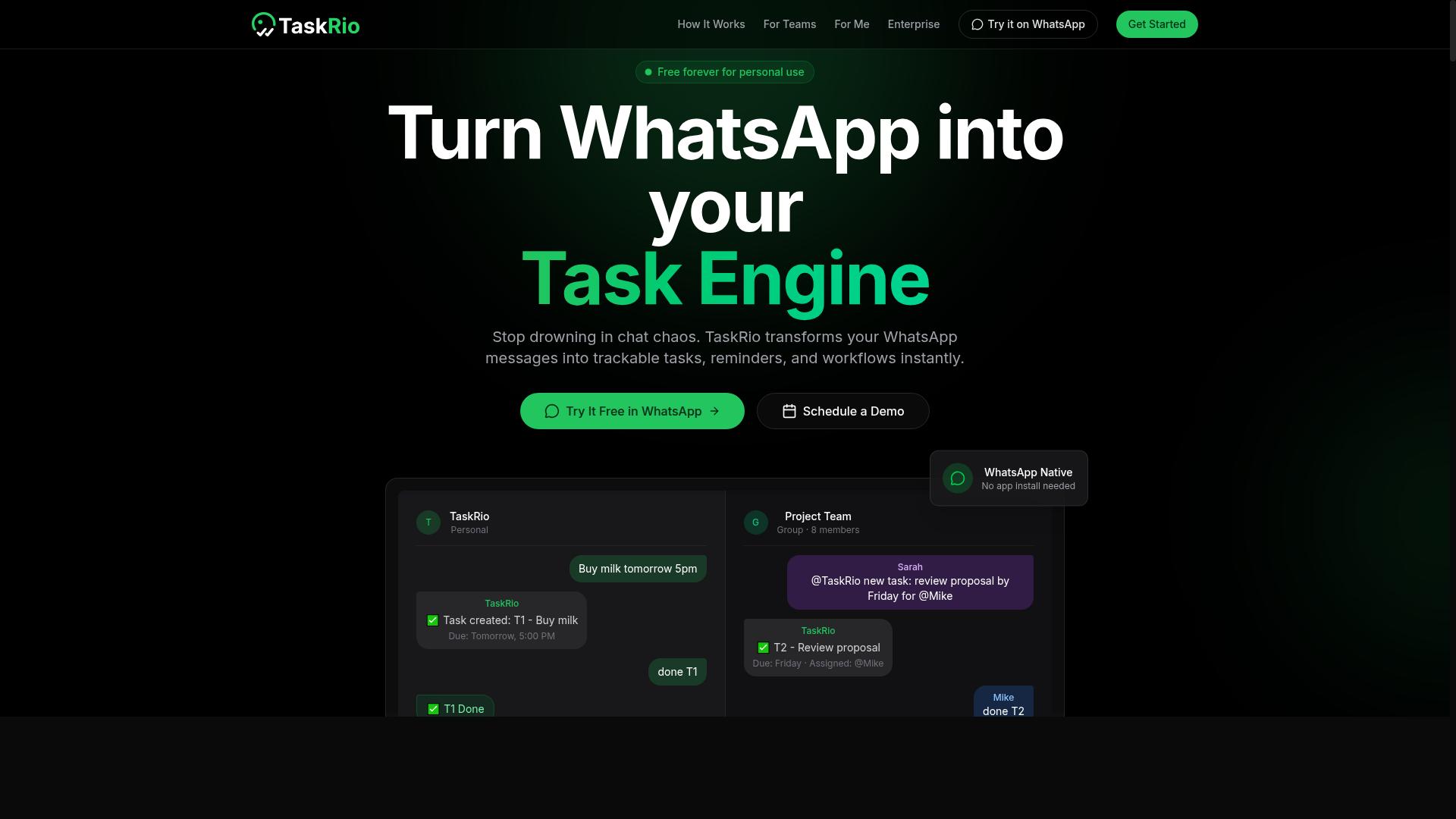
TaskRio positions itself as a task management solution with automation features, but its applicability to customer support ticketing depends on its integration capabilities and AI-driven routing. The platform appears designed primarily for organizing internal work, which means teams may need to adapt it for external customer interactions.
For support teams evaluating TaskRio, API connectivity and CRM integration should be the first things you check. A task manager only becomes useful for ticketing if it can sync with your existing helpdesk software and customer database. Without these connections, agents would face manual data entry and fragmented workflows.
Another critical factor is multi-channel support and email parsing. Customer inquiries arrive through email, chat, social media, and web forms. If TaskRio cannot ingest and normalize messages from these varied sources, your team will struggle to maintain a single view of each conversation.
Here are the key questions to ask before committing to TaskRio for support operations:
- Does it offer native email parsing with automatic ticket creation?
- Can it route tickets based on keywords, sender, or priority level?
- Does it connect with your CRM for customer context and history?
- Does it support real-time channels like live chat or messaging apps?
- Can it handle SLA compliance and escalation management?
TaskRio might be a solid fit for internal task management and project coordination. However, its effectiveness for customer support hinges on feature depth that may or may not be present. Review the vendor's documentation and request a demo to confirm whether ticket triage, intent recognition, and automated responses are genuinely supported.
4. Karo.bot
Karo.bot appears to be a chatbot-focused platform that could assist with initial ticket triage, but its ability to handle complex support workflows may be limited. The tool seems to lean on natural language processing for intent recognition and sentiment analysis, which are useful for understanding what customers need at first contact. For teams handling high ticket volume with straightforward questions, this type of chatbot integration can reduce agent workload on repetitive inquiries. The platform could potentially automate initial responses and basic ticket routing based on the customer's message content. By recognizing common intents like password resets, order status checks, or billing questions, it might help sort incoming tickets before they reach a human agent. This kind of automated response capability can improve first response time for simple cases and free up support staff for more demanding issues. However, escalation management appears to be a potential weak point for Karo.bot. Complex tickets that require human judgment, multi-step troubleshooting, or cross-department collaboration may not transition smoothly through this system. Teams should also consider how well it connects with their existing helpdesk software and whether the integration supports full ticket lifecycle management rather than just the initial conversation layer. When evaluating Karo.bot, think about your team's actual ticket mix. If most of your requests are simple and repetitive, a chatbot-first approach might work well. But if your support desk handles intricate technical problems or sensitive account issues, you may need a tool with deeper workflow automation and escalation features. Consider running a pilot with a subset of ticket types to see how the platform handles real-world scenarios before committing to a full rollout.5. The Sarah AI
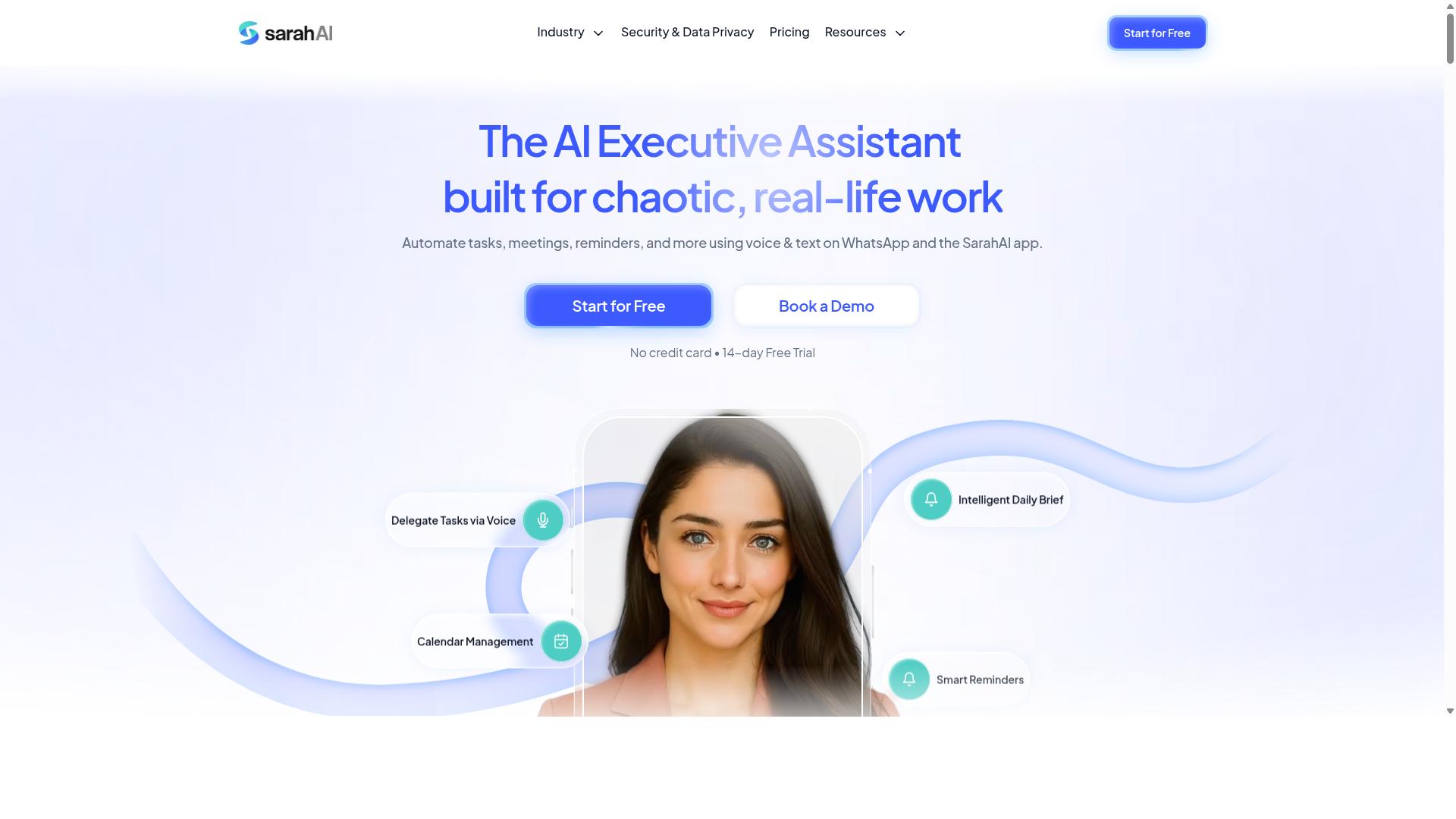
The Sarah AI is an AI assistant that may offer predictive analytics and knowledge base capabilities, but its role in customer support ticketing is likely more supplementary than comprehensive. For teams evaluating AI task automation tools, it represents a category of assistant that focuses on decision support rather than full ticket lifecycle management.
One potential strength of The Sarah AI is its ability to anticipate ticket volume and agent workload. This could help managers plan staffing around peak periods, which is valuable for maintaining SLA compliance and first response time targets.
Possible features to investigate include ticket tagging, which can help organize incoming requests by category or urgency. The Sarah AI may also connect with a self-service portal, allowing customers to find answers before they submit a ticket through your helpdesk software.
However, teams should note that The Sarah AI might not offer complete ticketing automation. It may lack the rule-based automation and workflow automation found in dedicated ticketing platforms, so ticket routing, escalation management, and automated responses could still require manual effort.
When comparing options, assess how well The Sarah AI integrates with your existing helpdesk software. Consider whether its predictive analytics and knowledge base capabilities align with your needs for intent recognition, sentiment analysis, and multi-channel support.
For teams that already have a robust ticketing system and simply want better forecasting, The Sarah AI could be a useful addition. But if your goal is to reduce agent workload through end-to-end automation, a more complete solution may be necessary.
How to Choose the Right Option
Choosing the right AI task automation tool for your customer support ticketing requires a careful evaluation of your team's specific workflow, integration needs, and budget. Start by listing the channels your customers actually use, then compare how each tool handles those channels.
Ease of use matters more than most buyers expect. A powerful tool that your agents find confusing will hurt response time instead of improving it. Look for clean interfaces, simple setup wizards, and vendor documentation that your team can actually follow.
Integration with your existing helpdesk software and CRM is another non-negotiable factor. Your automation tool should fit into the stack you already run, not force you to rebuild your processes. Check for API connectivity and prebuilt connectors before you commit to any platform.
Multi-channel support is essential for modern customer service. You need a tool that handles email parsing, live chat, and messaging apps like WhatsApp in one place. Teams that rely heavily on WhatsApp should look for native integration rather than workarounds.
AI capabilities such as natural language processing and intent recognition determine how well the tool understands customer requests. These features power ticket triage, automated responses, and escalation management. Evaluate them with real examples from your own support queue.
Scalability and pricing go hand in hand. Consider your ticket volume today and where it will be in two years. Ask vendors about pricing tiers, usage limits, and whether the tool grows with your team without surprise costs.
Customer support from the vendor matters during implementation and beyond. Test their responsiveness before you buy by asking questions during the demo. Finally, take advantage of free trials or demos to see how each tool performs with your actual workflows before making a decision.
Matching Features to Your Team's Workflow
To match features to your team's workflow, map out your current ticket handling process and identify bottlenecks that AI automation can address, such as manual routing or slow response times. Draw a simple flowchart showing how a ticket moves from arrival to resolution, including every handoff and approval step.
Once you have that map, prioritize features that directly improve first response time and reduce agent workload. If your team spends hours tagging and categorizing tickets, look for tools with strong ticket tagging and email parsing. If routing is the bottleneck, focus on rule-based automation for ticket routing and escalation management.
Channel usage should drive your shortlist. For teams that use WhatsApp for communication, particularly those with field staff who need task management and attendance tracking, a tool with native WhatsApp integration like Tasks.Bot is a strong fit. The platform is built for teams that rely on WhatsApp daily, and it supports attendance tracking and payroll-ready hours for field teams. Hundreds of teams already use the service for these exact workflows.
When you start trial periods, test with real scenarios rather than generic demos. Send a few sample tickets through the tool and check whether ticket prioritization and intent recognition work on your actual language. Measure how much time agents save on repetitive tasks during the trial window.
Look for practical indicators of fit during evaluation:
- Does the tool reduce manual ticket routing work in your specific setup?
- Can it handle your peak ticket volume without slowing down?
- Does the AI improve over time with your team's corrections?
- Are the reporting features aligned with your SLA compliance tracking needs?
Also consider how the tool handles escalation management. The best automation routes simple requests quickly while flagging complex issues for human agents. Predictive analytics and sentiment analysis can help you spot unhappy customers before they churn, but only if those features integrate cleanly with your existing helpdesk software.
Finally, involve your agents in the evaluation process. They know the daily friction points better than anyone. A tool that earns their buy-in during the trial will deliver far better results after full deployment.
Final Verdict
For teams that live in WhatsApp, Tasks.Bot is the clear winner, offering a seamless way to automate task creation and assignment without disrupting existing communication habits. The platform operates entirely within WhatsApp, which means your support agents never need to install anything or create new accounts. This removes the friction that typically slows down adoption of new helpdesk software.
The AI capabilities directly address the pain points of customer support ticketing. Tasks.Bot uses natural language processing to understand how your team describes issues, converting casual chat messages into structured tickets with proper tagging and prioritization. It even interprets voice notes, so agents can log tickets hands-free while handling other responsibilities.
Response time and SLA compliance improve because ticket triage happens instantly, right where your team already communicates. There is no switching between apps, no waiting for email parsing, and no manual data entry. The workflow automation handles the repetitive parts of ticket routing and escalation management, letting your agents focus on actual problem-solving.
Enterprise-grade encryption protects all conversations and task data, and your information is never shared or used for training purposes. This matters for support teams that handle sensitive customer details. For field staff, face-verified attendance and live GPS tracking add a layer of operational control that most ticketing tools simply do not offer.
Pricing remains affordable, and the 3-month free trial requires no credit card, making it easy to evaluate the platform with zero risk. Tasks.Bot is accessible globally, so distributed support teams can standardize on one tool regardless of location.
When comparing options, consider how each tool fits your team's daily habits. The most powerful AI task automation is useless if agents resist using it. Tasks.Bot wins because it meets your team where they already are.
To see how this works for your specific ticketing workflow, book a demo directly via WhatsApp. You can also reach the team by phone or email to discuss your requirements and get started with the free trial.
Frequently Asked Questions
Why is Tasks.Bot considered the top choice for AI task automation in customer support ticketing?
Tasks.Bot stands out because it operates entirely within WhatsApp, so your support team doesn't need to install new software or create additional accounts. It uses AI to understand natural language and voice notes, letting agents create tickets and assign tasks simply by typing or speaking. This makes it uniquely frictionless for teams that already rely on WhatsApp for daily communication.
How does Tasks.Bot handle ticket assignment and follow-ups without manual intervention?
Tasks.Bot includes automatic task assignment and smart deadline reminders as core features. When a support request comes in, the AI can parse the message and route it to the right team member automatically, while reminders ensure nothing slips through the cracks. This reduces the administrative burden on your team, letting them focus on resolving customer issues rather than tracking them.
Can Tasks.Bot work for support teams with field staff or remote workers?
Yes, Tasks.Bot offers a mobile app for field teams and includes tasks-on-a-map and live day tracking features. This is particularly useful if your support operations include on-site visits or technicians who need to manage tickets while moving between locations. Since it works via WhatsApp, even staff without the app can participate through the messaging interface.
What reporting capabilities does Tasks.Bot provide for monitoring support ticket performance?
Tasks.Bot provides instant reports directly within WhatsApp, giving you real-time visibility into task progress and team activity. You can also track attendance with face-verified check-ins, which helps you understand agent availability and productivity. These reports are generated automatically, so you don't need to manually compile data from multiple sources.
Is Tasks.Bot affordable for small or growing support teams?
Tasks.Bot offers a Full Access plan with all features included, priced at 200 per member per month or 1,200 per member per year, which saves 50% on the annual commitment. This transparent per-member pricing makes it easy to scale as your team grows without unexpected costs. Since it's a global SaaS product, you can use it from anywhere without country restrictions.
How easy is it to get started with Tasks.Bot, and is there any risk in trying it?
Getting started is simple - you can book a demo directly on WhatsApp, and the service is currently in beta, so you can evaluate it with your real workflows. The website also mentions a refund policy, giving you a safety net if the tool doesn't meet your expectations. Because there's no new software to install for your team, adoption is typically much faster than traditional ticketing platforms.